Install
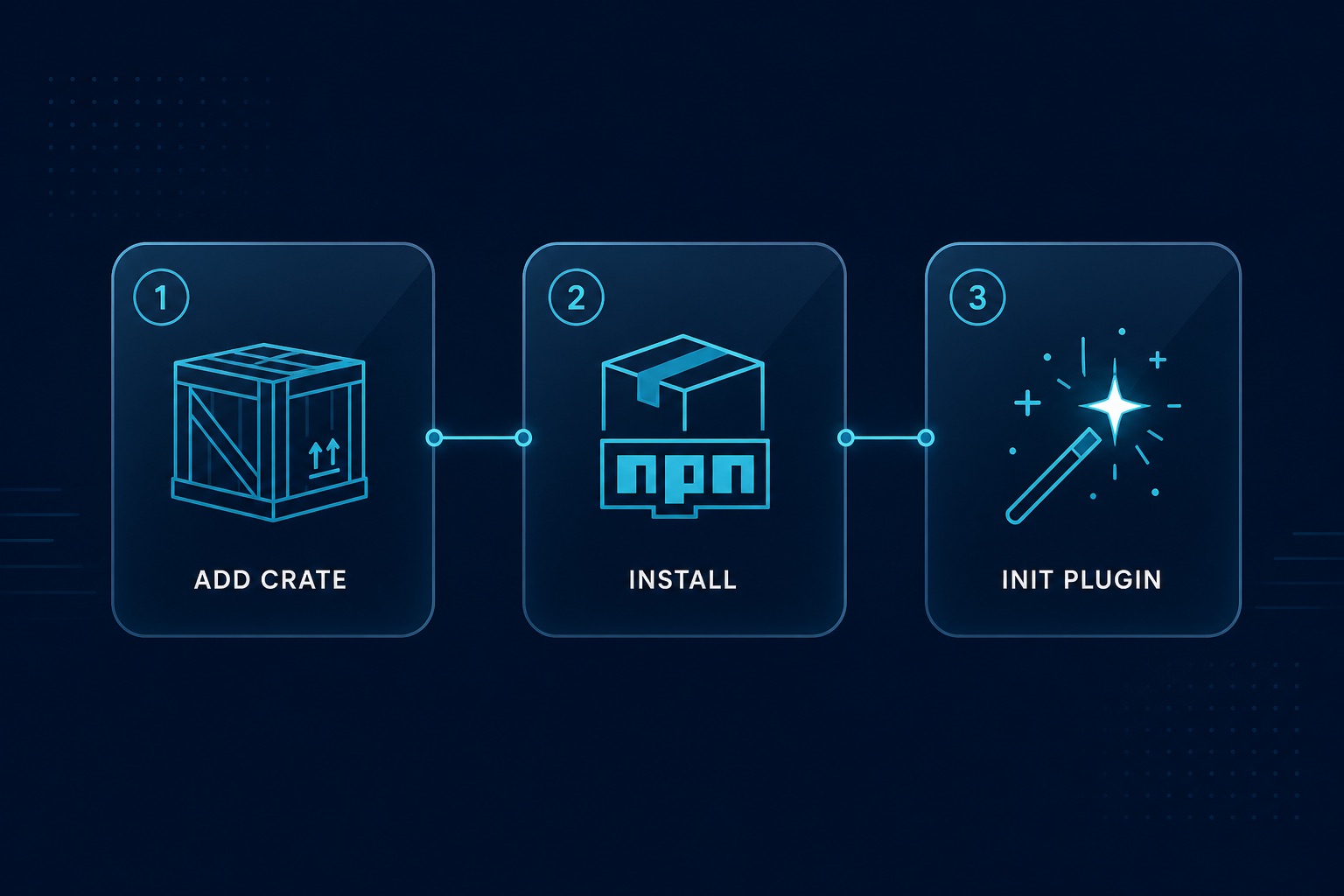
Quick install (recommended)
Use the Tauri CLI — it adds the Rust crate and the JS package in one step. Works with any package manager, and with cargo tauri too:
# npm
npm run tauri add tauri-plugin-widgets

# pnpm
pnpm tauri add tauri-plugin-widgets

# yarn
yarn tauri add tauri-plugin-widgets

# bun
bun tauri add tauri-plugin-widgets

# cargo (no Node script required)
cargo tauri add tauri-plugin-widgets
Then finish Register the plugin, Permissions, and (on Apple hosts) Plugin config if the CLI did not wire them for your project layout.
Optional Cargo features: Cargo features.
Manual install
Cargo
# src-tauri/Cargo.toml
[dependencies]
tauri-plugin-widgets = "0.5"
Or:
cd src-tauri && cargo add tauri-plugin-widgetsJavaScript package
pnpm add tauri-plugin-widgets-api
# npm i tauri-plugin-widgets-api
# yarn add tauri-plugin-widgets-api
# bun add tauri-plugin-widgets-api
Register the plugin
#[cfg_attr(mobile, tauri::mobile_entry_point)]
pub fn run() {
    tauri::Builder::default()
        .plugin(tauri_plugin_widgets::init())
        .run(tauri::generate_context!())
        .expect("error while running tauri application");
}
Apple hosts: plugin config
init-macos / init-ios write plugins.widgets (appGroup + transport). Without that block, plugin init fails on macOS and iOS (plugins.widgets.appGroup is required).
If you scaffolded manually, add to src-tauri/tauri.conf.json:
{
  "plugins": {
    "widgets": {
      "appGroup": "group.com.example.myapp",
      "transport": "appGroup"
    }
  }
}
Or let discovery fill it:
npx tauri-widgets signing          # see identities + verdict
npx tauri-widgets signing --apply # write transport from certificates| Host | Notes |
|---|---|
| iOS | transport must be appGroup (init-ios sets this). Physical device widgets need a paid Apple Developer account (App Groups). |
| macOS local ad-hoc | init-macos / signing pick "widgetContainer" when no Team ID cert exists. |
| macOS Team ID / MAS | "transport": "appGroup". |
Details: Plugin config · Transport — App Groups & signing.
Linux / Windows desktop webview do not need this block for the built-in window path.
Permissions
src-tauri/capabilities/default.json must list every window label that calls plugin commands — including desktop widget labels from createWidgetWindow:
{
  "identifier": "default",
  "windows": ["main", "weather"],
  "permissions": [
    "core:default",
    "widgets:default"
  ]
}
Use "*" only if you intentionally allow all labels. Missing the widget label → the embedded renderer cannot call getWidgetConfig and the window stays empty.
Full list: Permissions.
Scaffold native extensions
These copy templates into your app under src-tauri/ (they do not leave files only inside node_modules):
npx tauri-plugin-widgets-api init-macos    # → src-tauri/macos-widget/
npx tauri-plugin-widgets-api init-ios     # syncs gen/apple widget Swift
npx tauri-plugin-widgets-api init-windows # → src-tauri/windows-widget/
Still add Apple plugin config yourself. Guides: Platform setup.
Next: First widget (desktop) or Platform setup.