First widget
Fastest path to something on screen: a desktop webview widget (no Xcode Widget Extension / Android Studio).
1. Install and register
Follow Install — preferably pnpm tauri add tauri-plugin-widgets (or npm / yarn / bun / cargo tauri add), then tauri_plugin_widgets::init() and capabilities.
macOS host caveat
Even for a desktop-only webview (no WidgetKit), macOS still resolves Apple transport at plugin init. Run npx tauri-widgets signing --apply (or init-macos) so plugins.widgets exists before tauri dev, or the app will not start:
{
  "plugins": {
    "widgets": {
      "appGroup": "group.com.example.myapp",
      "transport": "widgetContainer"
    }
  }
}
signing picks widgetContainer when no Team ID cert is installed, appGroup when one is. Linux / Windows hosts can skip this block. See Transport.
Capabilities
Allow the widget window label (here "weather"):
{
  "identifier": "default",
  "windows": ["main", "weather"],
  "permissions": ["core:default", "widgets:default"]
}
2. Push a config
import { setWidgetConfig, createWidgetWindow } from "tauri-plugin-widgets-api";

const group = "group.com.example.myapp";
const widgetId = "weather";

await setWidgetConfig(
  {
    small: {
      type: "vstack",
      padding: 14,
      background: { light: "#E8F4FD", dark: "#1a1a2e" },
      spacing: 6,
      cornerRadius: 16,
      children: [
        {
          type: "hstack",
          spacing: 8,
          children: [
            { type: "image", systemName: "cloud.sun.fill", color: "#ffcc00", size: 28 },
            {
              type: "text",
              content: "72°",
              textStyle: "largeTitle",
              fontWeight: "bold",
              color: "label",
            },
          ],
        },
        { type: "text", content: "Partly Cloudy", textStyle: "footnote", color: "secondaryLabel" },
        { type: "progress", value: 0.65, tint: "#4CAF50", label: "Humidity" },
      ],
    },
  },
  group,
  widgetId,
);
widgetId is required. On Android, group must match the SharedPreferences name the Glance receiver reads (default: app package name) — see Android setup. This desktop walkthrough can keep any stable string.
3. Open a desktop window
await createWidgetWindow({
  label: "weather",
  width: 280,
  height: 160,
  x: 80,
  y: 80,
  skipTaskbar: true,
  group,
  widgetId,
  size: "small",
});- No
urland nowidget.htmlcopy: the plugin serves its embedded renderer over thewidgetviewprotocol (Desktop webview). groupandwidgetIdare required for that path;sizedefaults to"small"if omitted.- On macOS, transparent webviews need Cargo feature
macos-private-apiandapp.macOSPrivateApi/tauri.confprivate API — otherwise the window still opens, but without transparency (Cargo features).
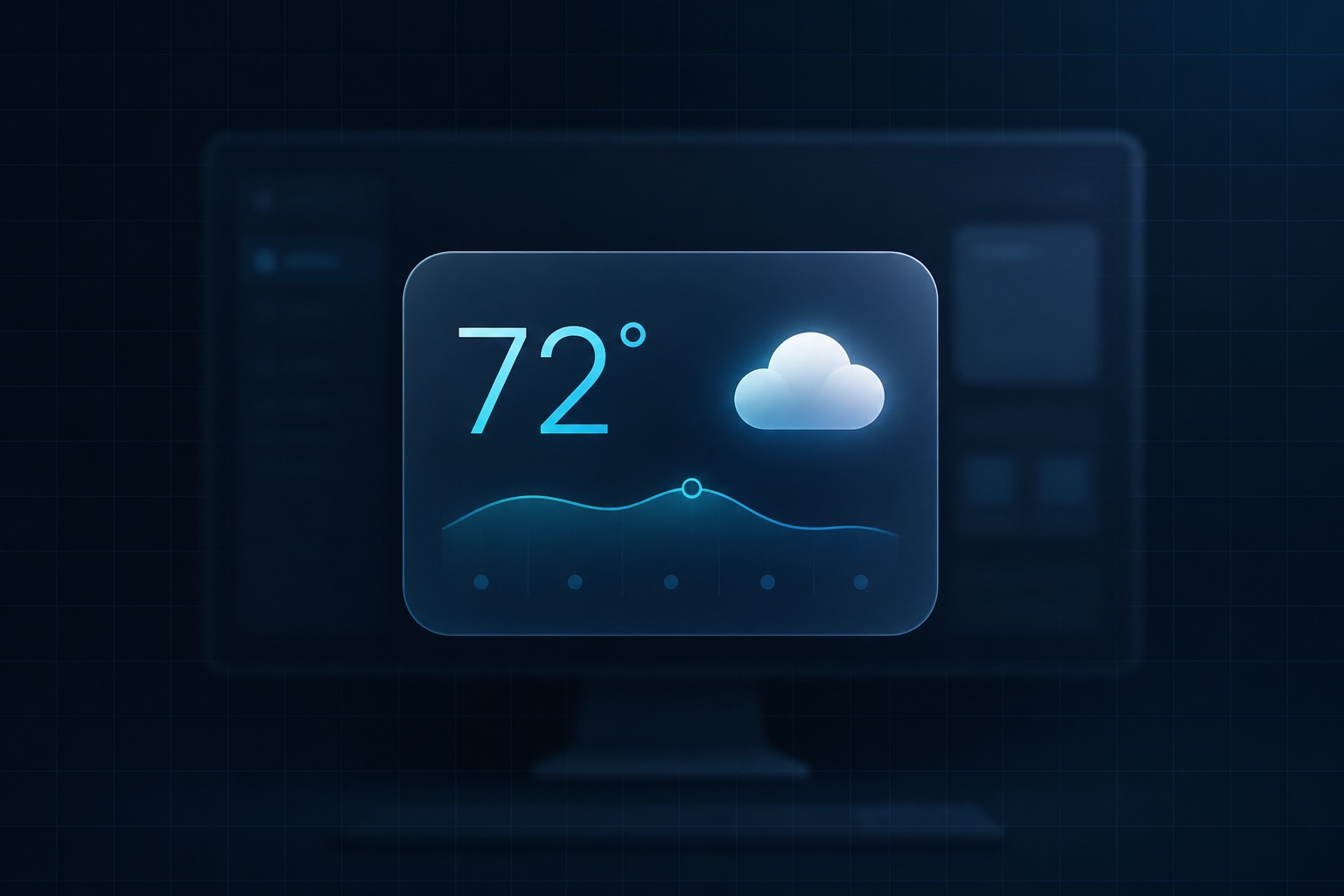
Run pnpm tauri dev. You should see a frameless widget window painting the config from step 2.
Next
- Native home-screen widgets: Platform setup
- Concepts (
group, sizes, receipts): Concepts - Browse presets: Showcase