
News
v1.1.0
Release notes: New CLI Feature: text-to-i18n
Date: 2024-12-24
Cli Version Introduced: v1.1.0
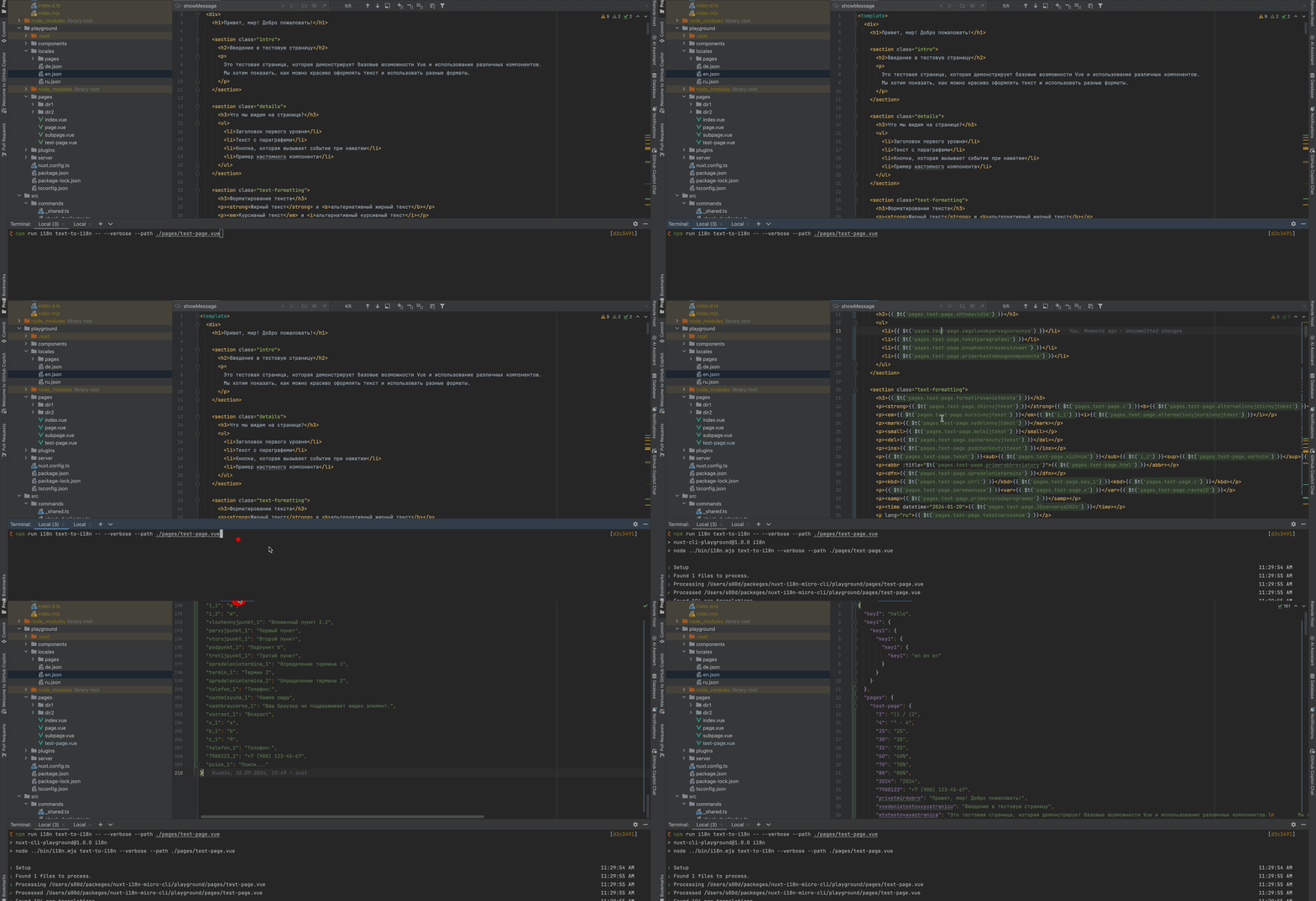
We’re excited to announce the new text-to-i18n command in the Nuxt I18n Micro CLI! This powerful feature automates the process of extracting hardcoded text strings from your codebase and converting them into i18n translation keys. It’s designed to save time, reduce errors, and streamline your localization workflow.
Key Benefits
- Automated Text Extraction: Scans Vue templates, JavaScript, and TypeScript files.
- Seamless Key Generation: Creates structured translation keys based on file paths and content.
- Efficient Translation Management: Updates your translation files while preserving existing entries.
How It Works
- File Scanning: Processes files in key directories like
pages,components, andplugins. - Text Processing: Identifies and extracts translatable strings, generating unique keys.
- Translation Updates: Automatically inserts new keys into your translation files and maintains their nested structure.
Usage
i18n-micro text-to-i18n [options]
Example:
i18n-micro text-to-i18n --translationFile locales/en.json --context auth
Example Transformations
Before
<template>
  <div>
    <h1>Welcome to our site</h1>
    <p>Please sign in to continue</p>
  </div>
</template>
After
<template>
  <div>
    <h1>{{ $t('pages.home.welcome_to_our_site') }}</h1>
    <p>{{ $t('pages.home.please_sign_in') }}</p>
  </div>
</template>
For more details, check out the documentation.