News
localeRoute keeps query and hash from string inputs
Date: 2026-08-27
Status: unreleased (ships with the next pnpm -C scripts cli release)
$localeRoute('/products?sort=price') now returns query (and hash) as separate fields instead of leaving them embedded in path, where vue-router ignores them — so <NuxtLink :to="$localeRoute(...)"> no longer drops the params. API surface: the path variant of NormalizedRouteInput gains optional query/hash fields (additive; object inputs are unchanged).
Meta refresh on locale-only switches
Date: 2026-08-27
Status: unreleased (ships with the next pnpm -C scripts cli release)
02.meta and useLocaleHead (autoUpdate) now watch i18n-locale alongside the route, so og:locale / html lang update under no_prefix and hashMode. useI18nHead re-runs getters when the locale changes — prefer useI18nHead(() => …) with t() inside (not a plain object at setup).
Date: 2026-08-05
Version: v3.26.1
Adds optional Vue DevTools integration for live runtime debugging: custom inspector (locale, route chunks, active dictionary), timeline events (locale switch, load, missing keys), and optional $t tracing when debug: true. The existing Nuxt DevTools custom tab (JSON editor on disk) is unchanged.
- New option:
i18n.vueDevtools(defaulttruein dev) - Optional peer:
@vue/devtools-api^8.1.5 @i18n-micro/coreexports devtools helpers from@i18n-micro/core/devtools(not in main entry)- Inspector key paths use encoded segments (
encodeInspectorPath) so literal dotted keys stay distinct from nested paths
Nuxt I18n Micro v3.24.0 — Node SSR from public/, no Rollup raw:
Date: 2026-07-30
Version: v3.24.0
Node production builds no longer embed translation payloads as Nitro serverAssets / Rollup raw: (multi‑GB build RSS on large catalogs). SSR reads the same /{apiBaseUrl}/{page}/{locale}/data.json tree the client fetches — from public/ via readFile. Edge keeps a Nitro embed and should prefer mode: 'source'.
What's New?
Node: SSR from public/<apiBaseUrl>
- Node does not register Nitro
serverAssets. - Payloads are copied to
public/<apiBaseUrl>(default_locales) as{page}/{locale}/data.json. - SSR loads them through
#i18n-internal/payload-source→readFile(prod path next to.output/server). translationPayloads.serverAssets: truestill means “local SSR” and forces that public copy even ifpublicAssetsis false.
Playground (vs previous serverAssets embed): ~1.25 GB / ~6–7 s / raw=0 vs ~3 GB / ~13 s / ~170 raw chunks.
Edge: serverAssets only when needed
- Edge (
nitro.node === false) still embeds via NitroserverAssets(assets:i18n) with the same layout asmode. - Edge does not force a public copy — set
publicAssets: truefor CDN/static. - Warns when Edge +
mode: 'premerged'(prefermode: 'source'for large catalogs).
publicDir aligns with client URLs
translationPayloads.publicDirdefaults toapiBaseUrl(nottranslationDir).- Premerged public/Edge tree is
{page}/{locale}/data.json, matching$fetch('/_locales/...'). - Module defaults no longer set nested
publicAssets: true(Nuxt deep-merge was forcing public copy even formode: 'source').
See Configuration — translationPayloads, Performance — Serverless Payload Output, and Cache & Storage Architecture.
Breaking Changes
- No dictionaries in the Nuxt SSR HTML payload.
payload.data['i18n-ssr-chunks'],setSsrChunk, andseedFromSsrChunksare removed. Same default posture as@nuxtjs/i18n(experimental.preload: false): server keeps translations in memory for SSR; the client loads/{apiBaseUrl}/.../data.jsonduring plugin setup (await switchContext). prerenderRoutesdefaults tofalse. Opt in only if you need Nitro to materialize handler routes whenpublicAssetsdid not already write the tree (premergedpublicAssetsalready emits{page}/{locale}/data.json).publicDirdefault isapiBaseUrl, nottranslationDir. Static output moves from e.g.public/locales/...topublic/_locales/{page}/{locale}/data.jsonunless you setpublicDirexplicitly.- Premerged storage layout is now
{page}/{locale}/data.json(waspages/{page}/{locale}.json). Anything that read Nitro/storage keys or copied trees by the old shape must update. - On Node,
serverAssets: trueno longer means Nitro embed — it means local SSR via the public copy. True Rollupraw:embed remains Edge-only.
Migration
- Remove any code that read
payload.data['i18n-ssr-chunks']or calledseedFromSsrChunks/setSsrChunk. - For pure static hosts: keep default premerged +
publicAssets(files land at/_locales/.../data.json), or setprerenderRoutes: true/ host payloads on a CDN. - For Cloudflare / other Edge: set
translationPayloads: { mode: 'source' }on large catalogs; addpublicAssets: trueonly if you need a static/CDN copy. - If you depended on payloads under
public/<translationDir>, settranslationPayloads.publicDiror point tooling atpublic/<apiBaseUrl>.
Fix: skip disabled locales in premerged public payloads
preMergeLocales now writes {page}/{locale}/data.json only for locales passed into the merge (build-time locale.disabled: true is omitted). Previously every JSON locale on disk was copied to public/, so Nitro static served disabled locales with 200 and bypassed the handler. Runtime disabledLocales still cannot un-publish files already built — use locale.disabled at build when publicAssets / Node public SSR copy is on.
Why It Matters
- Node builds stay lean: no multi‑GB Rollup
raw:spike from translation catalogs. - Public files and client
$fetchURLs share one path layout — static hosting works without a special remap. - Edge can still embed compact
sourcepayloads without forcing a duplicate public tree.
Full changelog will be published with the release on GitHub.
Nuxt I18n Micro v3.22.0 — Formats, Cache & Translation Memory
Date: 2026-07-30
Version: v3.22.0
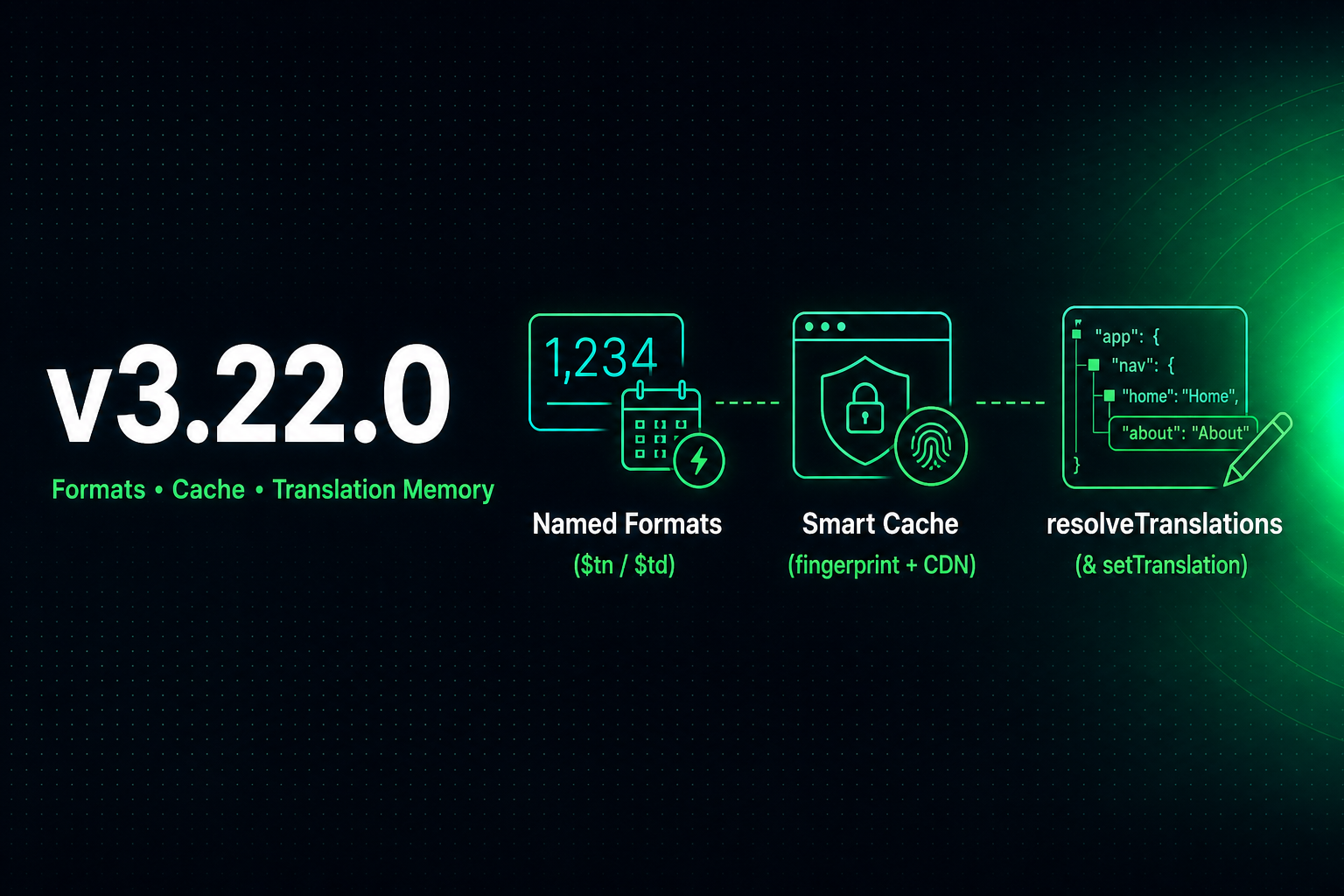
We're announcing v3.22.0: Vue I18n-style named number/date formats with a formatter cache, CDN-friendly translation payload caching (content fingerprint + httpCacheDuration), and a Translation Memory API to read and replace the active dictionary at runtime.
What's New?
Named numberFormats / datetimeFormats + formatter cache
Vue I18n-compatible named formats and faster Intl formatting:
- Config:
numberFormats/datetimeFormatsper locale - API:
$tn(1000, 'currency'),$td(date, 'short')(+ locale override and option merges) FormatServicecachesIntl.NumberFormat/DateTimeFormat/RelativeTimeFormatby locale+options
See Methods — $tn / $td and Configuration.
dateBuild defaults to a content fingerprint
?v= on /_locales requests used to default to Date.now(), while responses are served immutable for a year. Every rebuild therefore invalidated every client's dictionary, even when no translation had changed.
The default is now a SHA-256 fingerprint of the translation sources, in layer order. Rebuilds with untouched translations keep the same URL. Setting dateBuild explicitly still wins. See Configuration — dateBuild.
httpCacheDuration for /_locales payloads
The built-in /{apiBaseUrl}/:page/:locale/data.json route now sends HTTP Cache-Control for browsers and CDN:
- Option:
httpCacheDuration(seconds, default31536000/ 1 year) - Header:
Cache-Control: public, max-age=…, immutable - Safe with existing
dateBuildcache-busting (?v=...);0disables the header; not applied in development
Analog of @nuxtjs/i18n v10.2.0 experimental.httpCacheDuration, as an explicit response header.
Compressed public payloads
nitro.compressPublicAssets now reaches the translation payloads copied into the public directory (.gz + .br). Nitro compresses public assets before the copy happens, so previously the payloads were the one uncompressed part of a static build — 6.65 MB raw versus 1.01 MB gzip on the playground index. The module still never enables compression on its own. See Performance.
resolveTranslations() and setTranslation(key, value)
Runtime helpers to read and replace the active translation dictionary in memory:
resolveTranslations()returns the full tree that$t()reads from for the active locale and route — useful for DevTools, tests, and runtime editors. When a second layer is live (fallback locale or Nuxt page-transition hot-reload), the dump keeps nested shape viamergeTranslationLayersand only uses flat dotted keys for scalar-vs-object collisions that a single tree cannot otherwise express.setTranslation(key, value)replaces the value at a key (top-level, dotted path, object, string, or scalar). This is a replace, not a merge; use$mergeTranslationswhen siblings should survive.- Available on
useI18n(),useNuxtApp(), and framework i18n instances inherited from@i18n-micro/core. @i18n-micro/test-utilsadds matchingresolveTranslations/setTranslationhelpers for unit tests.
getAllTranslations() removed from Vue package
Use resolveTranslations() for the active lookup tree. For a full storage dump in Vue, use getStorage() or getRouteCache().
Breaking Changes
Nothing in the public config surface requires app code edits for typical usage. These matter if you reached into runtime internals:
- The SSR payload moved from
useState('i18n-ssr-chunks')tonuxtApp.payload.data['i18n-ssr-chunks']. It still carries full translation chunks for every(locale, route)loaded during SSR — the same dictionaries as before, in a slot Nuxt can externalize to_payload.jsonon prerender.useState('i18n-ssr-chunks')now returns nothing. Reading translations that way was never supported, but it was described in the cache API docs, so it is called out here. NuxtTranslationLoaderOptionsexposessetSsrChunk. The loader writes each merged chunk intopayload.dataon the server as it loads.getSsrChunksis not used.nitro.compressPublicAssetsnow emits.gz/.brnext to the copied payloads. Expect more files in public output if you had it enabled. Deploy tooling that enumerates the translation directory may need to account for them.- Payload URLs change once on upgrade, because
?v=switches from a build timestamp to a content fingerprint. Clients re-download the dictionary on the first request after the upgrade and then keep it across subsequent deploys — which is the point. getAllTranslations()removed from@i18n-micro/vue. UseresolveTranslations()/getStorage()/getRouteCache()instead.
Bug Fixes
<i18n-switcher>— omits locales withdisabled: truefrom the dropdown.$getLocales()still returns the full list for your own code, while built-in SEO/meta output excludes disabled locales.- Switcher styles —
cursor: not-allowedapplies to the current locale viaactiveLinkStyle/customActiveLinkStyle; restoredcustomDisabledLinkStylefor backward compatibility and apply it to the switcher button when the current locale isdisabled: true. - Dev HMR — a write that leaves file content unchanged (editor save-on-blur, formatter rewrite) no longer triggers a re-merge. Root-locale changes rebuild every page for that locale, so this was expensive to spend on a no-op.
- Dev HMR — pages are re-merged concurrently on a root-locale change instead of one after another.
- Page transitions — same-locale navigation keeps the outgoing chunk as a fallthrough layer until
page:transition:finish, instead of an expensive deep merge on every nav.
Why It Matters
- Vue I18n-style formatting without pulling in a heavier stack.
- CDN-friendly translation URLs that stay stable across rebuilds when the dictionary did not change.
- A supported runtime API for inspecting and patching the live dictionary — DevTools, tests, and editors no longer need private helpers.
Full changelog will be published with the release on GitHub.
Fix: infinite redirect loop with app.baseURL + strategy: 'prefix' (#234)
Date: 2026-07-03
Server-side redirect plugin (06.redirect.ts) now strips runtimeConfig.app.baseURL from getRequestURL(event).pathname before locale detection. Fixes ERR_TOO_MANY_REDIRECTS when the app is served under a sub-path (e.g. /examples → /examples/ja once, not /examples/ja/examples/ja/...).
Nuxt I18n Micro v3.21.0 — useI18nHead for Per-Page SEO
Date: 2026-06-25
Version: v3.21.0
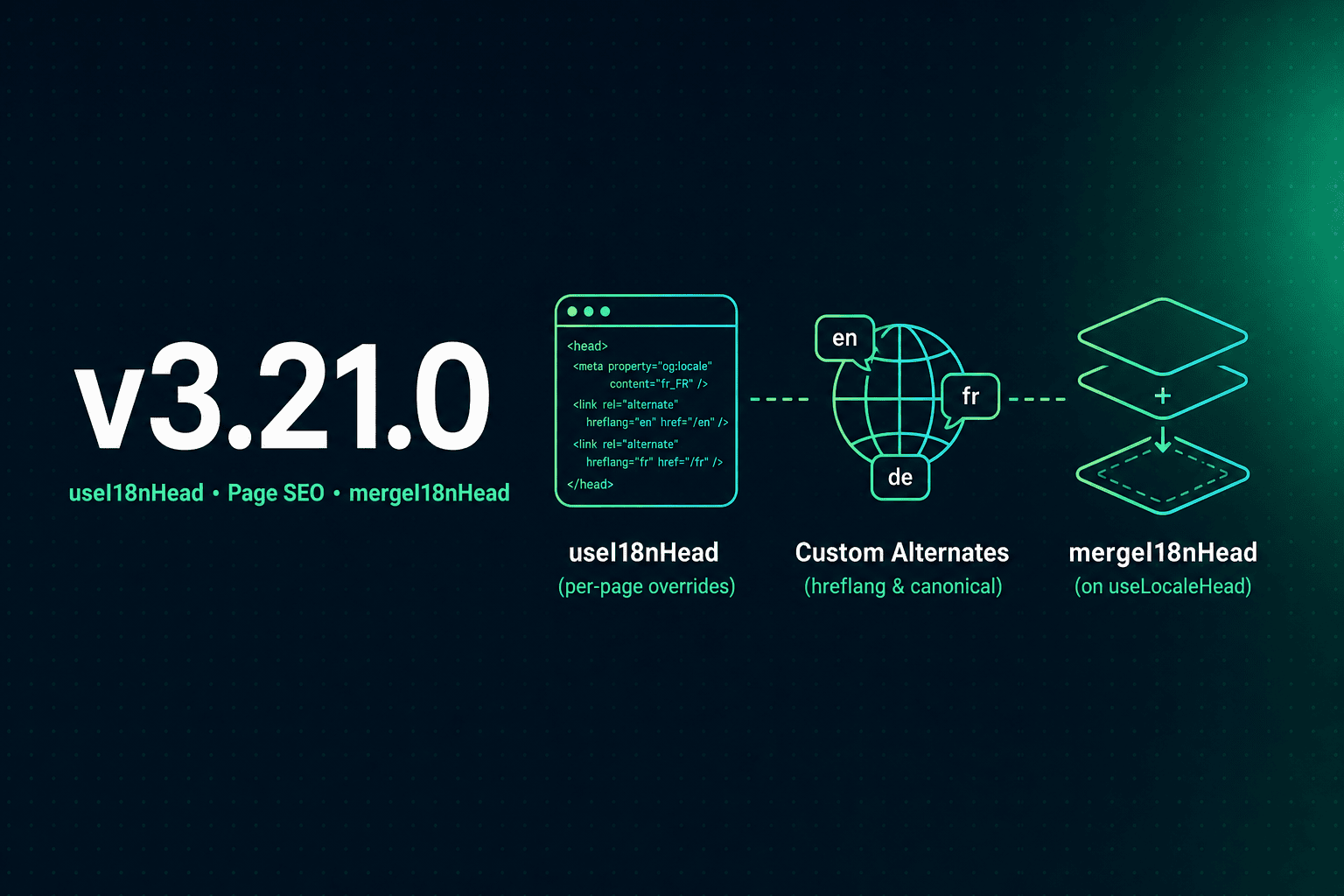
This release adds useI18nHead — a page-level composable for i18n SEO overrides on top of the built-in 02.meta plugin. Customize hreflang, canonical, og:url, and Open Graph tags per route without a custom meta plugin or meta: false.
What's New?
useI18nHead Composable
Call useI18nHead in any page when meta: true (default). The module merges your input after useLocaleHead on every route update:
<script setup lang="ts">
useI18nHead(() => ({
  meta: [{ property: 'og:title', content: article.value?.title }],
  replace: {
    canonical: article.value?.canonicalUrl,
    ogUrl: article.value?.canonicalUrl,
    hreflang: localeCodes.map((locale) => ({
      rel: 'alternate',
      hreflang: locale,
      href: article.value!.locales[locale]!,
    })),
    ogAlternates: localeCodes,
  },
}))
</script>
Supports static objects, reactive getters, meta / link append, replace for built-in groups, and disable to remove auto-generated tags. See useI18nHead.
mergeI18nHead Utility (@i18n-micro/utils)
Framework-agnostic merge logic lives in @i18n-micro/utils/merge-i18n-head — used by the 02.meta plugin and testable in isolation. Types (I18nHeadInput, I18nHeadLink, I18nHeadMeta) are exported from @i18n-micro/types.
Plugin Integration
02.meta— mergesuseLocaleHeadoutput with page state fromuseI18nHeadviauseHead01.plugin— resets page overrides on route name change viaresetPageHead()(shared state with the composable)
Documentation & Tests
- New guide:
useI18nHeadwith CMS/article examples - Updated SEO and
useLocaleHead— when to use which API - Playwright + Vitest coverage: SSR, SPA navigation, reload,
nuxi generate, partial alternates,x-default, reactive client load
Typical Use Cases
| Scenario | Approach |
|---|---|
| Blog/CMS with partial translations | replace.hreflang + replace.ogAlternates from API locales |
| Custom canonical from CMS | replace.canonical + replace.ogUrl |
| Landing page OG only | meta: [{ property: 'og:title', ... }] — keep module hreflang |
| No hreflang on a page | disable: ['hreflang', 'x-default'] |
Replace custom plugin (i18nManualHreflang) | useI18nHead per content page + meta: true |
JSON-LD stays in useHead({ script: [...] }) — useI18nHead does not generate structured data.
Breaking Changes
None for standard nuxt.config usage. New composable and utils subpath are additive.
Why It Matters
- No custom meta plugin for CMS posts, news, or guides with per-locale URLs
- Single pipeline — module defaults + page overrides in one
useHeadcall - Type-safe —
I18nHeadInputfor helpers likebuildArticleHead(content)
Full changelog will be published with the release on GitHub.
Nuxt I18n Micro v3.20.0 — Runtime Layer Refactor & Redirect Split
Date: 2026-05-14
Version: v3.20.0
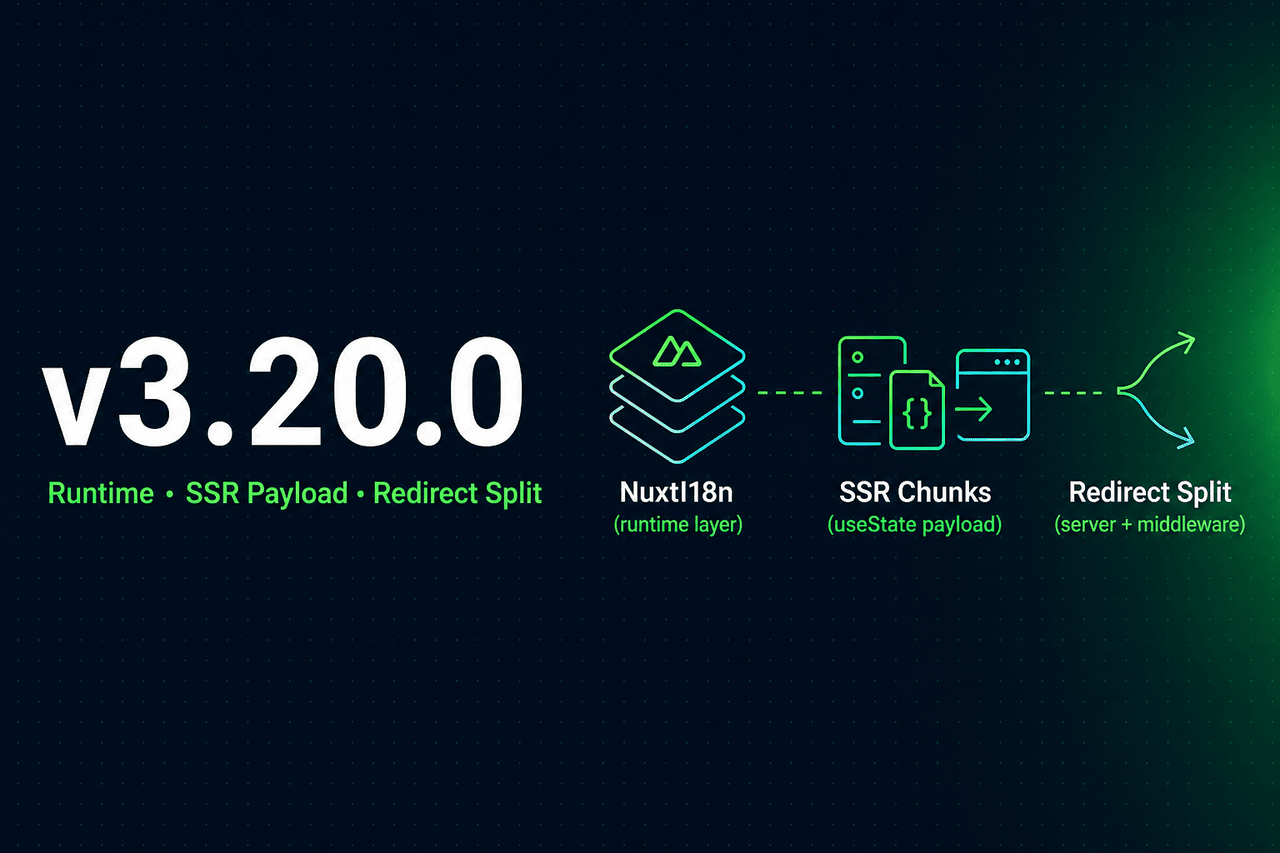
This release refactors the Nuxt runtime into a dedicated NuxtI18n layer, splits server/client redirect handling, and fixes several SSR/hydration regressions. Public composables and nuxt.config options stay the same for typical apps.
What's New?
NuxtI18n & NuxtTranslationLoader
Runtime i18n logic moves out of the monolithic plugin into focused classes:
NuxtI18n— active translation view layer ($t,$has, locale/route context, transition merge/cleanup)NuxtTranslationLoader— loads chunks, switches context on navigation, seeds SSR payloadcreateNuxtI18nPluginApi— thin plugin surface ($switchLocale,$localeRoute, etc.)
See updated Cache & Storage Architecture and Performance.
SSR Payload via useState('i18n-ssr-chunks')
SSR translations are serialized through Nuxt state, not a window.__I18N__ script tag:
- Server loads chunks →
useState('i18n-ssr-chunks') - Client hydrates →
translationStorage.seedFromSsrChunks() - Zero extra fetches on first paint
The legacy window.__I18N__ read path is removed.
Redirect Architecture Split
Redirects are now environment-specific for clearer behavior and fewer client jank:
| Environment | Component | Role |
|---|---|---|
| Server SSR | 06.redirect.ts (server-only) | 302 before render, 404 checks, cookie sync |
| Client SPA | i18n-redirect.global.ts | Global route middleware on navigation |
Client redirects derive locale from the target route, preserve query string and hash, and respect redirects: false (middleware not registered). See Routing Strategies — Redirect Architecture.
i18n:register Hook Timing
The 05.hooks plugin (dependsOn: i18n-plugin-loader) fires i18n:register after the loader is ready — on startup and on navigation — so user plugins reliably receive the event. Disable with hooks: false. See Events.
Build-Time defineI18nRoute Extraction
A Vite unplugin scans page .vue files at build time and writes route meta for @i18n-micro/route-strategy. Runtime $defineI18nRoute in script setup remains for dev and inline config. See Per-Component Translations.
Bug Fixes
- SSR hydration — clone reactive SSR chunks before
Object.freeze(fixes client#locale/ 404 crashes) - Locale switch — replace view layer on locale change (no stale keys from previous locale)
- Client redirect — locale from target route; query/hash preserved on redirect
has()— checks active locale only; fallback applies in$t(), not in$has()defineI18nRoutemeta — per-plugin-instance cache; longestrootDirmatch; correctpages/indexvspages/index/indexpaths
Documentation
Guides and API reference updated for the new architecture:
- Strategy, v3 Upgrade, Custom Language Detection
- FAQ — switch locale without changing the URL
- Configuration —
redirectsandhooksbehavior
Breaking Changes
None for standard nuxt.config + composables usage. Internal paths and SSR injection mechanism changed; apps that relied on manual window.__I18N__ injection must use Nuxt payload / module APIs instead.
Why It Matters
- More reliable SSR → client handoff — Nuxt-native state instead of ad-hoc globals
- Clearer redirect model — server 302 before paint; client middleware only where needed
- Easier to maintain — runtime split into testable units with focused regression tests
Full changelog will be published with the release on GitHub.
Nuxt I18n Micro v3.19.0 — Utils & HMR Packages, Source Payload Mode
Date: 2026-05-25
Version: v3.19.0
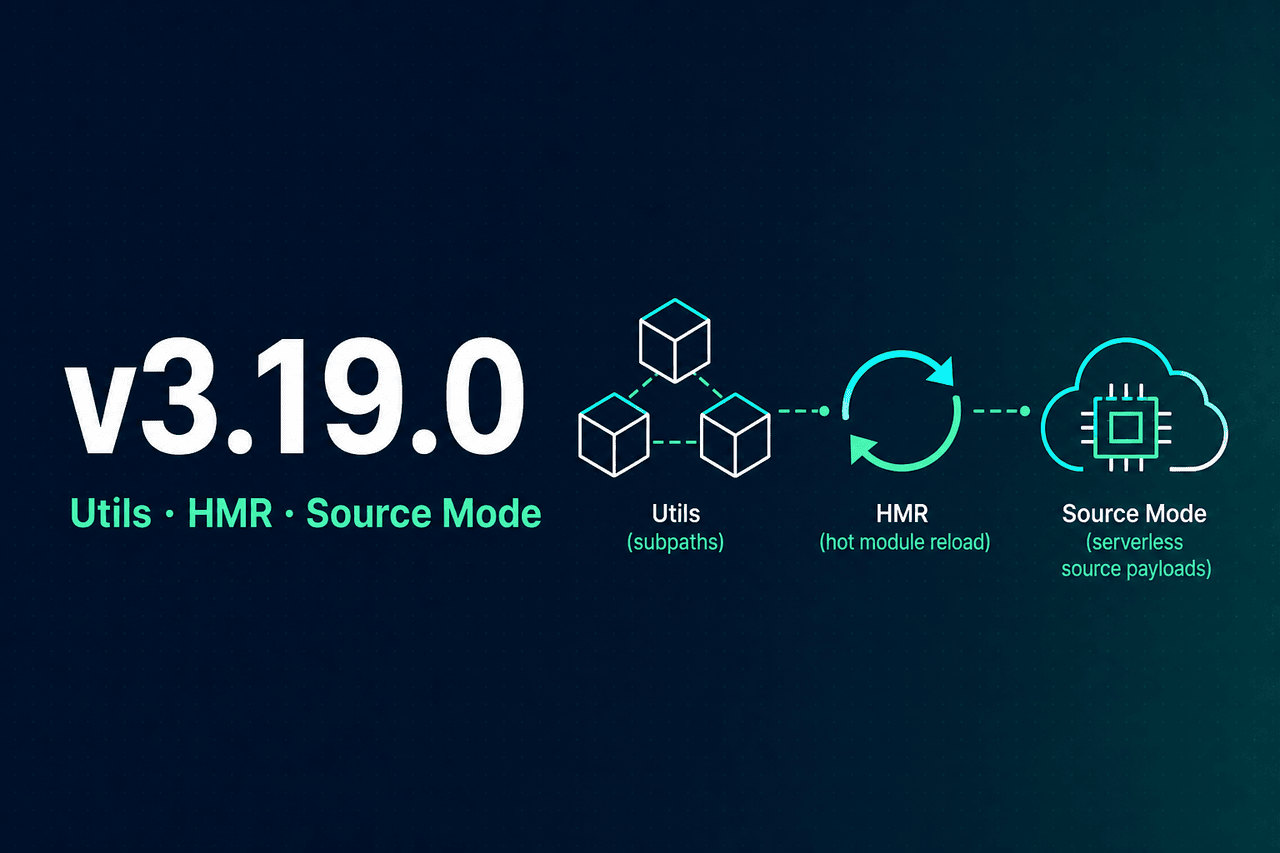
This release focuses on modularizing internal utilities, adding a compact serverless payload mode, and reusing shared logic across Nuxt, Node, Astro, and DevTools — without changing the public module API for typical apps.
What's New?
@i18n-micro/utils — Framework-Agnostic Utilities
Shared logic previously scattered across src/runtime/utils/ and src/module.ts now lives in a dedicated workspace package with granular subpath imports (no fat barrel, tree-shake friendly):
- Build —
preMergeLocales,buildTranslationSourceLayers(@i18n-micro/utils/build) - Payloads —
translationPayloadsresolution, URL building, fetch helpers, stats (payload-config,payload-url,payload-fetch,payload-stats) - Source mode — fallback chains, source file paths, runtime merge (
merge-source,source-loader) - Runtime helpers — locale resolution, cookies, Accept-Language parsing, route/meta helpers (
resolve-locale,accept-language,cookie,route,route-pattern,runtime-config) - Shared FS paths — translation file classification, nested page paths (
parse-path)
The Nuxt module keeps thin glue in src/runtime/ and imports only the subpaths it needs.
@i18n-micro/hmr — Dev Translation Hot Reload
Development HMR is extracted into @i18n-micro/hmr:
watcher— file change handling, cache invalidation, source/premerged merge in devgenerate-plugin— client-side HMR plugin generationcache-keys— sharedSymbol.forkeys for server/storage caches
Works with both translationPayloads.mode: 'premerged' and 'source'.
translationPayloads.mode: 'source' — Compact Serverless Deployments
New payload mode for large locale matrices on serverless platforms (Cloudflare Workers, etc.):
export default defineNuxtConfig({
  i18n: {
    translationPayloads: {
      mode: 'source',
    },
  },
})- Bundles compact source files into Nitro assets instead of a full pre-merged matrix
- Merges root, page, and fallback locale chains at runtime via the built-in
/_locales/:page/:locale/data.jsonroute - Defaults
publicAssetsandprerenderRoutestofalse— ideal when you rely on a Nitro/edge runtime rather than pure static hosting
See Performance — Serverless Payload Output and Cache & Storage Architecture.
Shared Utilities Across Integration Packages
@i18n-micro/nodeand@i18n-micro/astro— unified translation path parsing and deep merge via@i18n-micro/utils/parse-path@i18n-micro/astro—detectLocaleFromAcceptLanguagefrom@i18n-micro/utils/accept-language(removed duplicate parser)@i18n-micro/devtools-ui— virtual file paths viamerge-source+parse-pathhelpers- Server locale detection — Accept-Language handling aligned with shared utils
HMR & DevTools Fixes
- Client HMR plugin now calls
$loadPageTranslations(correct API) instead of the removed$loadTranslations - Playwright coverage for translation watcher in premerged and source modes
Documentation & Contributor Guide
- Cache & Storage Architecture — documents both payload modes and package boundaries
- Server-Side Translations, Getting Started, Folder Structure —
premergedvssourcecaveats - Contribution Guide — Node 18+, pnpm 9+, Oxlint/Oxfmt, monorepo layout with
packages/utilsandpackages/hmr
Breaking Changes (Advanced / Internal)
These affect only projects that imported internal module paths (not part of the public API):
- Removed from
src/runtime/utils/:route-utils.ts,runtime-i18n-config.ts, and other utilities moved to@i18n-micro/utils/* - Removed from
src/runtime/server/plugins/: inline HMR watcher/generator — use@i18n-micro/hmr/*if you forked dev tooling nuxt-i18n-micronow depends on@i18n-micro/utilsand@i18n-micro/hmrworkspace packages (installed automatically with the module)
Typical nuxt.config + composables usage is unchanged.
Why It Matters
- Smaller serverless bundles —
sourcemode avoids shipping a pre-merged file per locale × page - Single source of truth — one implementation for path parsing, merge, locale detection, and payload config
- Easier maintenance — framework-agnostic code is tested in
@i18n-micro/utils(50+ unit tests) and reused everywhere - Better dev UX — HMR logic is isolated, testable, and consistent across payload modes
For the full commit list, see the changelog.
Nuxt I18n Micro v3.0.0 — Performance Optimization, Route & Path Strategy Packages
Date: 2026-02-04
Version: v3.0.0
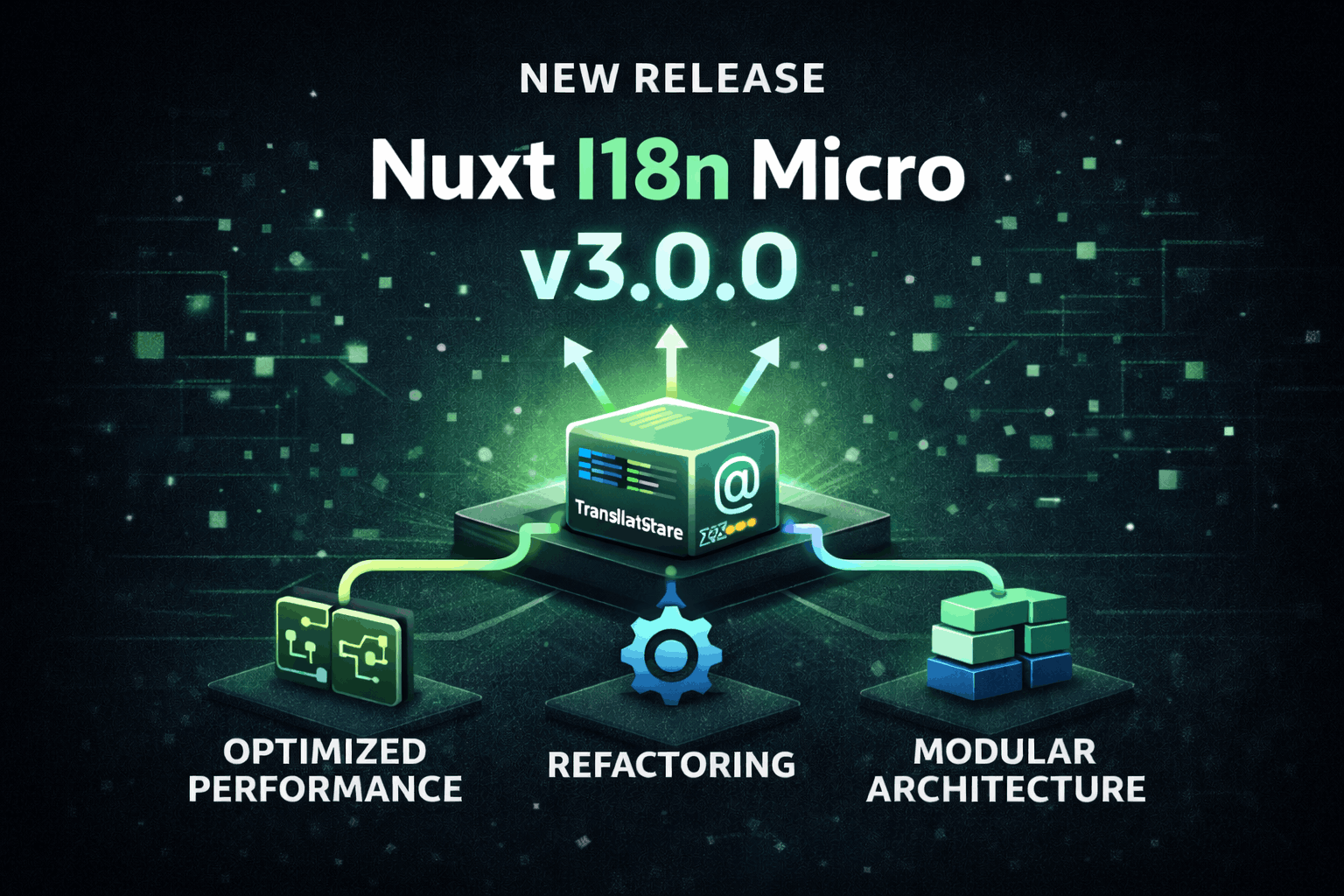
We're announcing v3.0.0 with a major architectural overhaul: complete rewrite of the translation storage system for maximum performance, route generation and runtime path logic are now split into dedicated packages, and the redirect flow has been redesigned for better reliability and Serverless compatibility.
What's New?
Performance Optimization — New Translation Storage Architecture
The translation loading and caching system has been completely rewritten for maximum performance:
Centralized TranslationStorage class — A new
TranslationStorageclass (src/runtime/utils/storage.ts) provides a unified storage for both client and server. UsesglobalThiswithSymbol.forto guarantee a true singleton across the entire Node.js process, preventing cache duplication across bundled modules.Optimized
$t()function (tFast) — The translation function uses a direct lookup against a single active dictionary:- All translations (root + page-specific + fallback) are pre-merged at build time into a single file per page
- On same-locale navigation, new page translations are cumulatively merged into the active dictionary (prevents key flickering during transition animations)
- Supports nested keys (
key.subkey.subsubkey) with optimized path resolution - No Map lookups or locale/route calculations on each call — uses pre-computed context
Server-side injection via
window.__I18N__— Translations loaded during SSR are injected into the HTML as a script tag. The client reads directly fromwindow.__I18N__on initial load, avoiding duplicate fetches.Local chunk cache in plugin — The plugin maintains a local
loadedChunksMap that stores all loaded translation chunks. Once loaded, translations are never re-fetched during the page lifecycle.Build-time pre-merge — A
preMergeLocalesstep inmodule.tsmerges all layers, fallback locale chains, and root-level translations into every page file at build time. The server-loader simply reads a single pre-built file — no runtime merging needed.
Performance improvements:
- Reduced memory allocation per request (no object re-creation on each
$t()call) - Lower garbage collection pressure
- Faster response times under load
- Stable memory usage pattern (no "jumping" graphs)
Route & Path Strategy Packages
- @i18n-micro/route-strategy — Build-time route generation: extends Nuxt pages with localized routes, handles aliases, nested routes, and custom paths per strategy. Single entry point:
new RouteGenerator(options)andextendPages(pages). Strategies (no_prefix,prefix,prefix_except_default,prefix_and_default) are implemented as separate classes and selected via a factory. - @i18n-micro/path-strategy — Runtime path and locale handling: provides
PathStrategyfor building localized paths, resolving redirects, and locale switching. Tree-shakeable subpath exports (/prefix,/no-prefix, etc.) so only the selected strategy is bundled. Uses pure functions for route resolution and pre-computed context flags for minimal allocations. - Structured package layout — Route logic in
@i18n-micro/route-strategywithcore/,strategies/. Path strategy in@i18n-micro/path-strategywith a flatsrc/structure:types.ts,path.ts,resolver.ts,helpers.ts, andstrategies/. - Consistent behavior — Alias handling, parent–child path joining, custom
globalLocaleRoutes/filesLocaleRoutes/routeLocales, and immutability guarantees are covered by a dedicated test suite.
Redirect Architecture Overhaul
- Server middleware — Redirects and 404 handling run in Nitro middleware (
i18n.global.ts). This executes before Nuxt render, so redirects from/to/<locale>/happen without an error flash when a locale cookie is present. - Client plugin (client-side) — A client-only plugin (
06.client-redirect.client.ts) runs after hydration and handles redirects whenuseI18nLocale()or cookie sets a non-default locale. Nitro runs before Nuxt, so the server cannot see cookie/state changes from user plugins; the client plugin covers this case. - No fallback component — The
locale-redirect.vuefallback component andfallbackRedirectComponentPathoption have been removed. Redirect logic is fully handled by the server middleware and client plugin. - Custom path support — Paths like
/kontaktfor German (viaglobalLocaleRoutes) are correctly recognized as valid without a locale prefix, avoiding incorrect 404s during prerender. - customRegexMatcher fix — When using
customRegexMatcher, the pattern now matches the entire first path segment (with^and$anchors). This prevents false 404s for routes like/locale-testwhen the pattern[a-z]{2}-[a-z]{2}would previously match substrings. - autoDetectPath fix — The
autoDetectPathoption now correctly compares against the original URL path, preventing unwanted redirects when explicitly navigating to locale-prefixed URLs.
useI18nLocale Composable
- Centralized locale management — New
useI18nLocale()composable replacesuseLocaleCookiesand provides a single entry point for locale state, cookies, and sync utilities. - API —
locale,localeCookie,hashCookie,getLocale(),getPreferredLocale(),setLocale(),syncLocale(),isValidLocale(),getEffectiveLocale(),resolveInitialLocale(). - Programmatic locale — Use
useI18nLocale().setLocale(locale)in server plugins instead ofuseState('i18n-locale')for cleaner, centralized locale handling.
Custom Auto-Detection & Configuration
getI18nConfig()— Custom plugins (e.g. for locale detection) should usegetI18nConfig()from#build/i18n.strategy.mjsinstead ofuseRuntimeConfig().public.i18nConfig. This provides direct access to the resolved i18n config (e.g.localeCookie) without relying on runtime config.- Cookie name — Use
getI18nConfig().localeCookie ?? 'user-locale'when implementing custom detection logic.
Simplified Integration Packages
All integration packages (@i18n-micro/vue, @i18n-micro/astro, @i18n-micro/node, @i18n-micro/react, @i18n-micro/preact, @i18n-micro/solid) have been simplified and optimized, sharing the same core translation logic.
Configuration Changes
previousPageFallbackremoved — This option is no longer needed. The new cumulative merge strategy automatically keeps previous page translations available during transition animations, then cleans them up via thepage:transition:finishhook.hmr— Moved fromexperimental.hmrto a top-level option. Controls server-side HMR for translation files (enabled by default in development).
// Before (v2.x)
export default defineNuxtConfig({
  i18n: {
    experimental: {
      hmr: true,
    },
  },
})

// After (v3.0.0)
export default defineNuxtConfig({
  i18n: {
    hmr: true,
  },
})
Breaking Changes
fallbackRedirectComponentPath— Removed. The module no longer uses a fallback route component for redirects. If you had a custom component path configured, remove it from your config.useLocaleCookies— Removed. UseuseI18nLocale()instead. The new composable provideslocale,localeCookie,hashCookie,setLocale(),syncLocale(), and more.experimental.i18nPreviousPageFallback/previousPageFallback— Removed entirely. The cumulative merge strategy handles transition flickering automatically. Remove this option from your config.experimental.hmr— Moved tohmr. Update your config if you were using this option.- Custom plugins — If your custom locale-detection plugin used
useRuntimeConfig().public.i18nConfig, switch togetI18nConfig()from#build/i18n.strategy.mjs. PreferuseI18nLocale().setLocale()overuseState('i18n-locale'). See Custom Language Detection for updated examples. - Internal file changes —
load-from-storage.tsandtranslation-loader.tshave been removed and replaced withstorage.tsandserver-loader.ts. If you were importing from these files directly (not recommended), update your imports.
Why It Matters
- Performance: Centralized singleton cache eliminates per-request object creation and reduces GC pressure.
- Maintainability: Route and path logic live in dedicated packages with clear boundaries and types.
- Testing: Strategy behavior and edge cases are tested in isolation.
- Reliability: Split server (Nitro) and client redirect logic avoids timing issues when cookie/useState are set by user plugins.
- Serverless-ready: Nitro plugin runs in the same context as Nitro handlers, compatible with Edge/Workers.
- Documentation: Routing behavior is documented in the Strategy guide and in the path-strategy and route-strategy packages.
For upgrade notes and a full list of changes, see the changelog.
Nuxt I18n Micro v2.14.1 — New Integrations for Node.js, Vue, and Astro
Date: 2025-12-07
Version: v2.14.1

We're excited to announce v2.14.1 with brand new integrations for Node.js, Vue 3, and Astro! These packages bring the same powerful i18n capabilities to your favorite frameworks, sharing the same core logic for consistency and performance.
What's New?
- @i18n-micro/node - Use i18n translations in any Node.js application, CLI tool, or backend service
- @i18n-micro/vue - Vue 3 plugin for internationalization with reactive translations and route-specific support
- @i18n-micro/astro - Astro integration for internationalization with full TypeScript support
- @i18n-micro/types-generator - Automatic TypeScript type generation for translation keys with full type safety and IDE autocomplete
Key Features
All integrations share the same core benefits:
- Lightweight and performant
- Route-specific translations support
- Built-in pluralization
- Number, date, and relative time formatting
- Full TypeScript support
- Same JSON translation file structure
Types Generator provides additional developer experience enhancements:
- Automatic type generation from JSON translation files
- Type-safe translation keys with compile-time validation
- Full IDE autocomplete support
- Hot reload on translation file changes
- Zero runtime overhead
For detailed documentation and examples, visit the repository or check out the documentation.
Nuxt I18n Micro v2.0.0 — Dev HMR for Translations
Date: 2025-10-30
Version: v2.0.0
We’re introducing server‑side HMR for translation files in development. When a JSON translation changes, the server cache invalidates only the affected keys, and subsequent requests immediately receive fresh data—no restarts required.
What’s New?
- Server‑side HMR for translation files
- Instant cache invalidation per page/locale
- Seamless DX while editing content
How it works
- Watcher in
src/runtime/server/plugins/watcher.dev.tsobserves<rootDir>/<translationDir>/**/*.json - Page files (e.g.,
pages/<page>/<locale>.json) invalidate_locales:merged:<page>:<locale> - Root-level files (e.g.,
<locale>.json) invalidate all merged keys for that locale - Auto‑registered from
src/module.tsin dev whenexperimental.hmr !== false
Configuration
export default defineNuxtConfig({
  i18n: {
    experimental: { hmr: true }, // default in dev
  },
})
Redesigned DevTools in Nuxt I18n Micro v1.73.0 🎉
Date: 2025-01-27
Version: v1.73.0
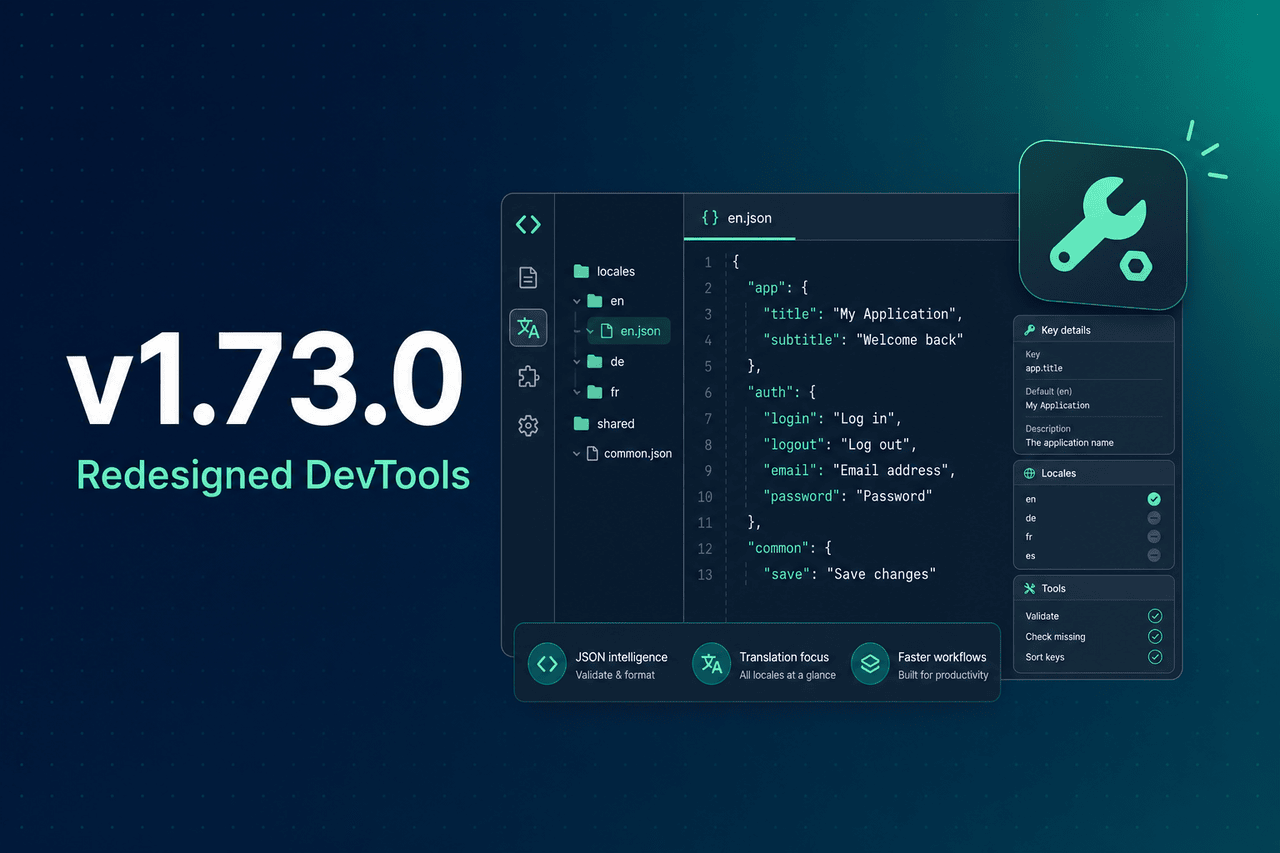
We’re excited to unveil the fully revamped DevTools in v1.73.0, bringing a modern, intuitive experience to your i18n workflow! The update introduces powerful new features, improved usability, and a host of enhancements to streamline localization and translation management.
What’s New?
- New Editor
- File Tree Viewer
- Online Translator
- Enhanced Settings
- Advanced Statistics
Nuxt I18n Micro v1.65.0
Date: 2025-01-20
Version: v1.65.0
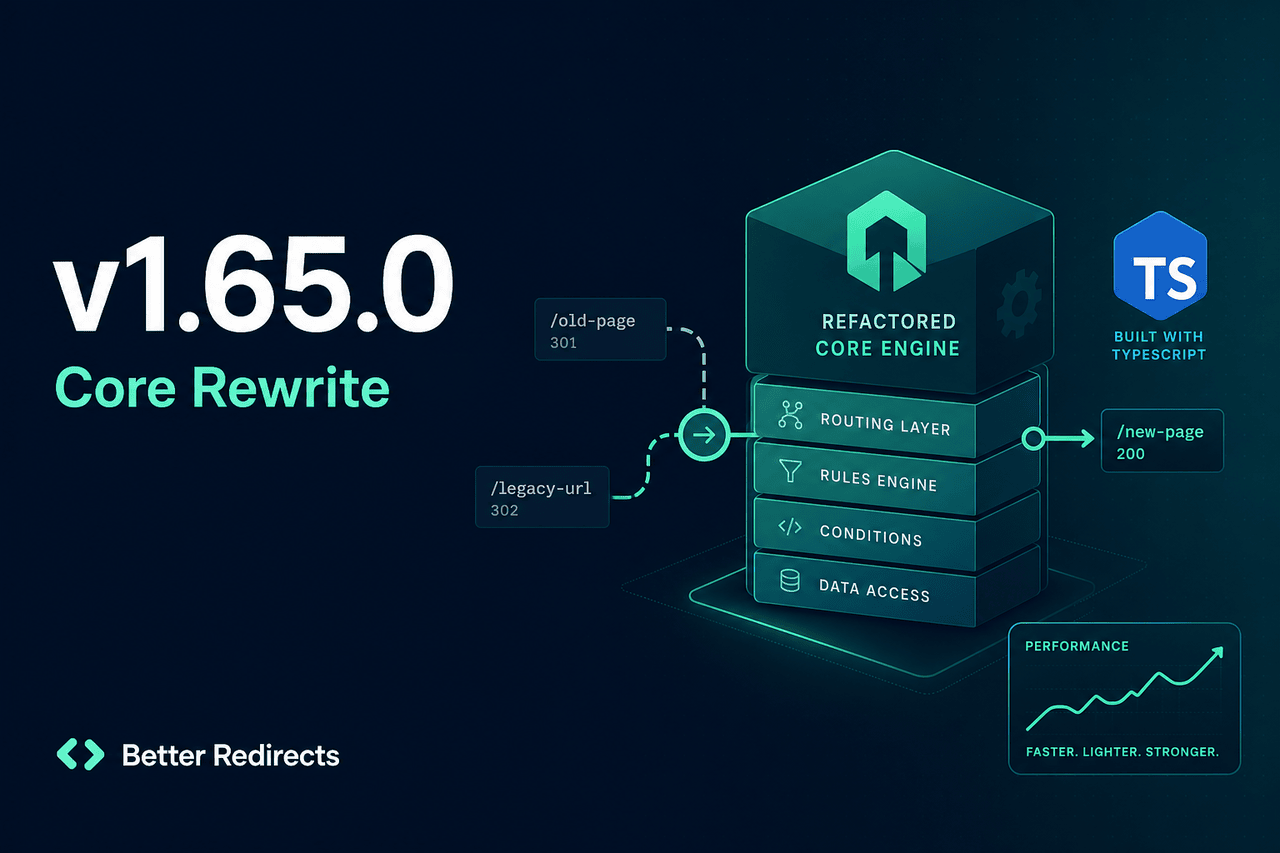
We’re thrilled to announce v1.65.0, featuring a complete rewrite of core logic for better performance and maintainability! This release includes enhanced TypeScript support, client-side locale redirection, and streamlined translation handling. Upgrade now for a smoother, faster experience! 🚀
Optimized Translation Loading Algorithm Released
Date: 2025-01-10
Version Introduced: v1.58.0
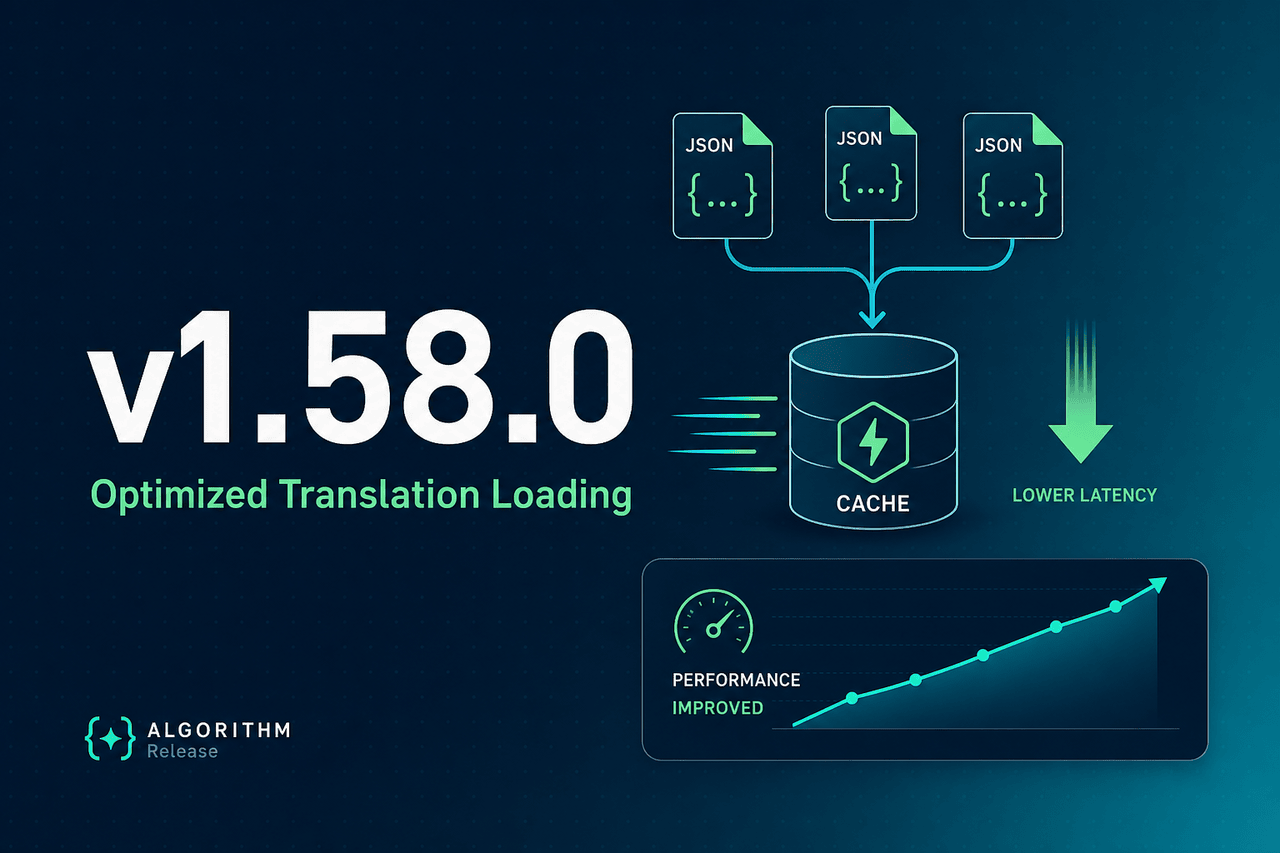
We are thrilled to announce the release of a new algorithm for loading translations in Nuxt I18n Micro. This update introduces significant performance improvements, a cleaner architecture, and more efficient memory usage.
What’s New?
The new translation-loading algorithm focuses on:
- Optimized File Merging: Enhanced the deep merge functionality to handle translations more efficiently.
- Caching Enhancements: Leveraged server storage for pre-rendered translations, reducing redundant computations.
- Streamlined Code: Simplified file paths and structure for better maintainability.
Key Benefits
1. Faster Build Times
The new algorithm reduces build times by efficiently handling translation files and minimizing memory overhead.
- Old Build Time: 7.20 seconds
- New Build Time: 6.91 seconds
- Improvement: 4.03% faster
2. Reduced CPU Usage
Lower maximum and average CPU usage during builds and stress tests:
- Build Max CPU: From 257.60% → 198.20% (23.06% lower)
- Stress Test Avg CPU: From 93.85% → 89.14% (5.01% lower)
3. Lower Memory Usage
Memory consumption has been significantly optimized across builds and runtime stress tests:
- Build Max Memory: From 1286.00 MB → 885.19 MB (31.15% lower)
- Stress Test Max Memory: From 624.22 MB → 429.52 MB (31.20% lower)
4. Enhanced Response Times
Stress test response times saw drastic improvement:
- Average Response Time: From 411.50 ms → 9.30 ms (97.74% faster)
- Max Response Time: From 2723.00 ms → 187.00 ms (93.13% faster)
5. Increased Request Throughput
The new algorithm boosts the number of handled requests per second:
- Requests per Second: From 288.00 → 305.00 (5.90% increase)
Why It’s Important
Localization is essential for global applications, and improving translation-loading performance can have a direct impact on:
- User Experience: Faster response times lead to a smoother user experience.
- Scalability: Lower resource usage allows better handling of high traffic.
- Developer Productivity: Reduced build times and a simplified codebase streamline workflows.
How It Works
- Efficient Deep Merging
- The algorithm has been rewritten to handle translation merging more intelligently, ensuring minimal memory overhead and faster operations.
- Smart Caching
- Server-side storage is now used to cache translations during pre-rendering, which are then reused during runtime. This avoids repetitive reads and merges.
- Streamlined File Loading
- Translation files are loaded in a more predictable and maintainable way by unifying fallback handling and caching.
New CLI Feature: text-to-i18n
Date: 2024-12-24
Cli Version Introduced: v1.1.0
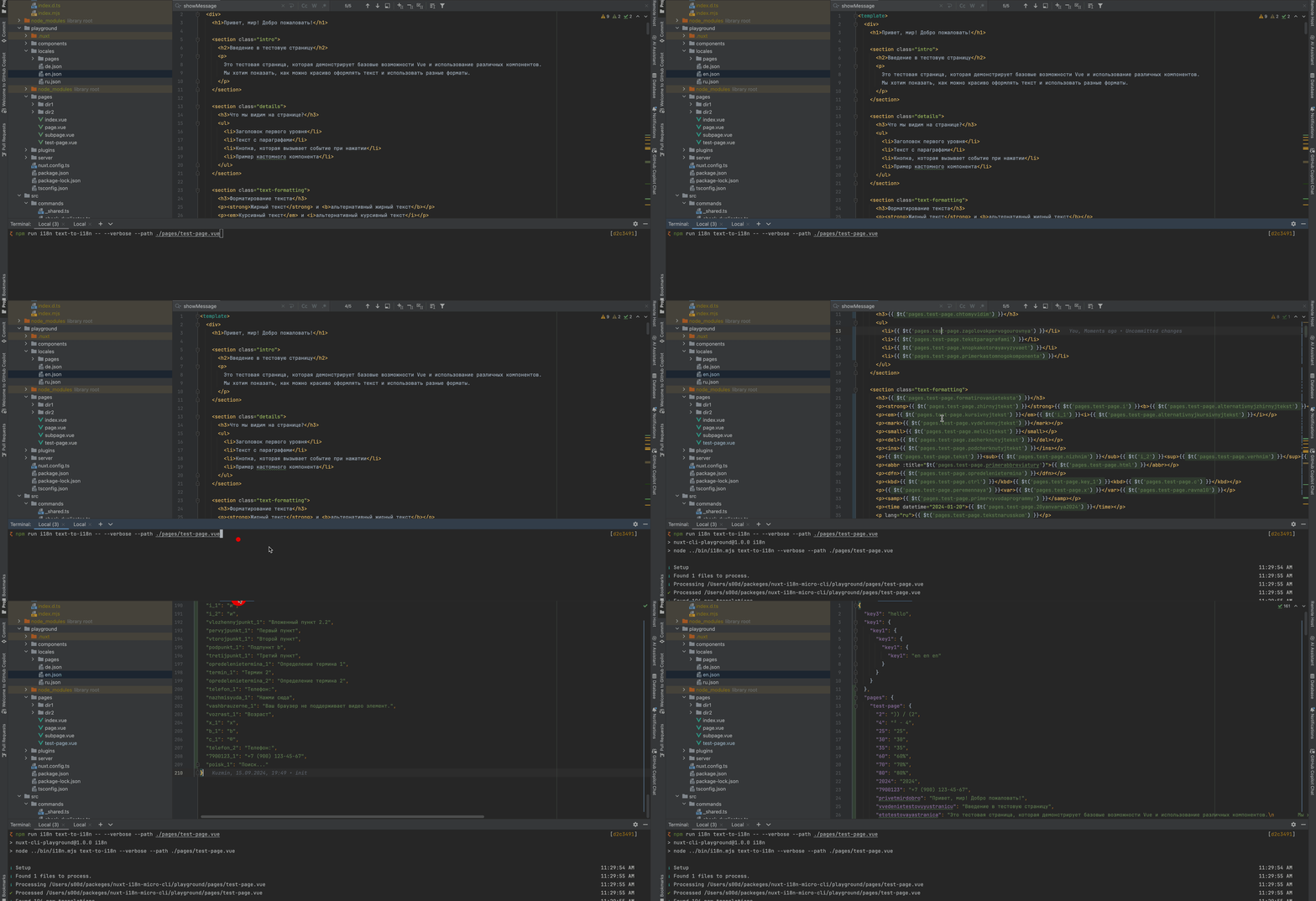
We’re excited to announce the new text-to-i18n command in the Nuxt I18n Micro CLI! This powerful feature automates the process of extracting hardcoded text strings from your codebase and converting them into i18n translation keys. It’s designed to save time, reduce errors, and streamline your localization workflow.
Key Benefits
- Automated Text Extraction: Scans Vue templates, JavaScript, and TypeScript files.
- Seamless Key Generation: Creates structured translation keys based on file paths and content.
- Efficient Translation Management: Updates your translation files while preserving existing entries.
How It Works
- File Scanning: Processes files in key directories like
pages,components, andplugins. - Text Processing: Identifies and extracts translatable strings, generating unique keys.
- Translation Updates: Automatically inserts new keys into your translation files and maintains their nested structure.
Usage
i18n-micro text-to-i18n [options]Example:
i18n-micro text-to-i18n --translationFile locales/en.json --context authExample Transformations
Before
<template>
  <div>
    <h1>Welcome to our site</h1>
    <p>Please sign in to continue</p>
  </div>
</template>
After
<template>
  <div>
    <h1>{{ $t('pages.home.welcome_to_our_site') }}</h1>
    <p>{{ $t('pages.home.please_sign_in') }}</p>
  </div>
</template>
For more details, check out the documentation.